Skip to content

Assets

Brass Switch and Socket

A brass switch and socket, at real-world scale.

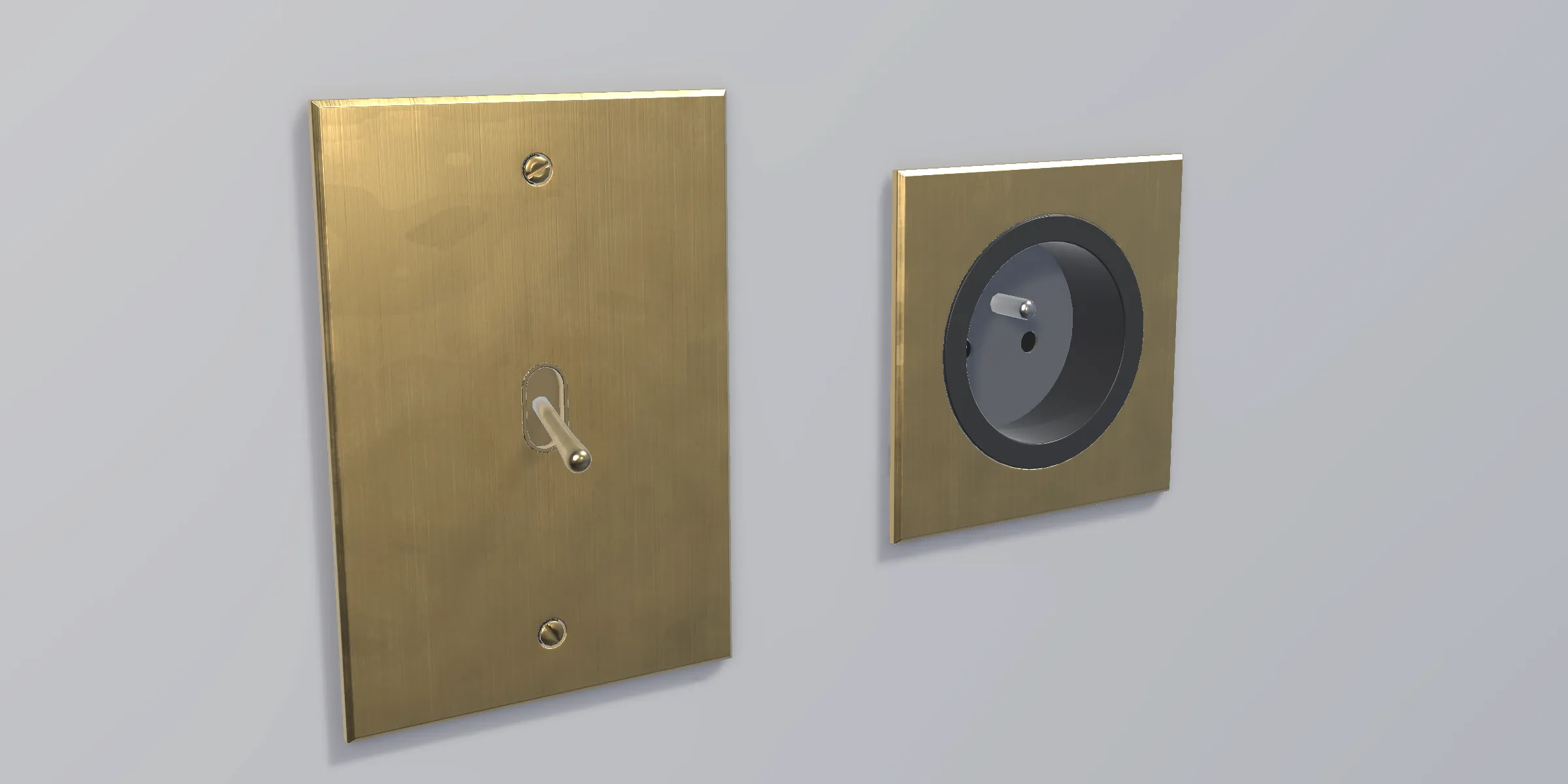
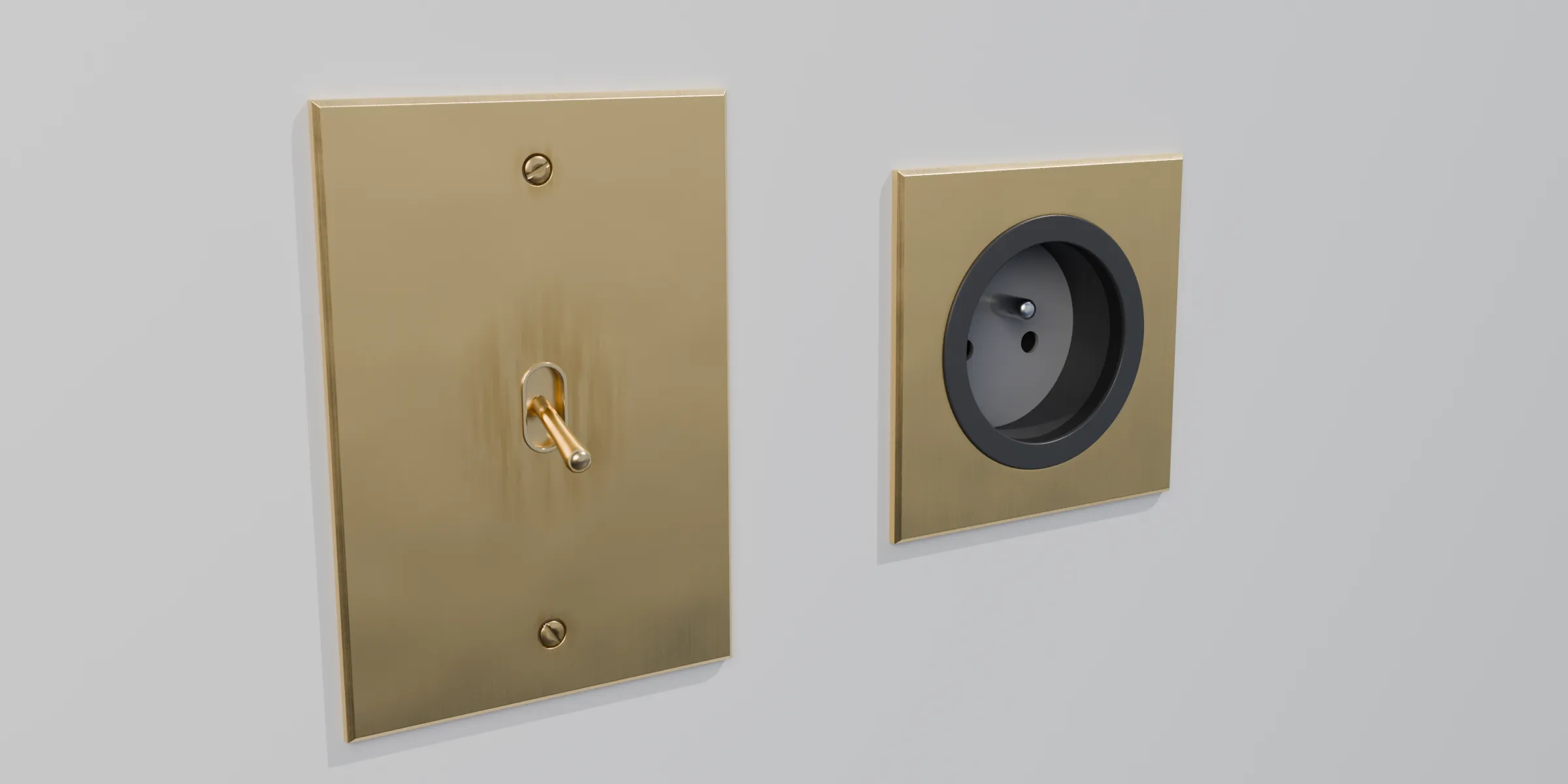
The toggle switch and the brass socket, side by side on a beige wall

Drop the prefab on your wall and it sits flush: the pivot is already at the back of the plate. The brass is brushed, with a bit of wear. From a distance, Unity switches to the second, lighter level of detail on its own.
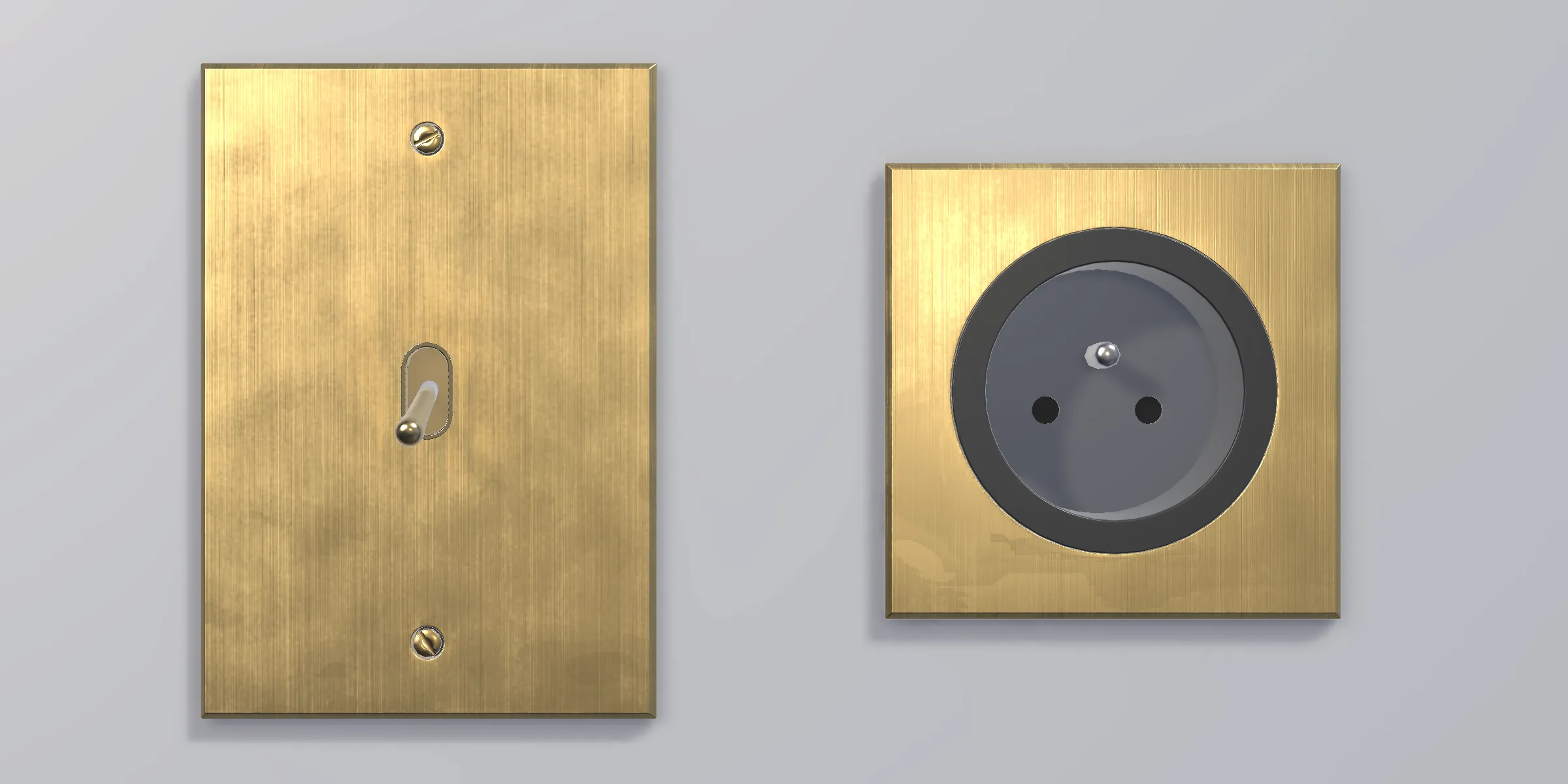
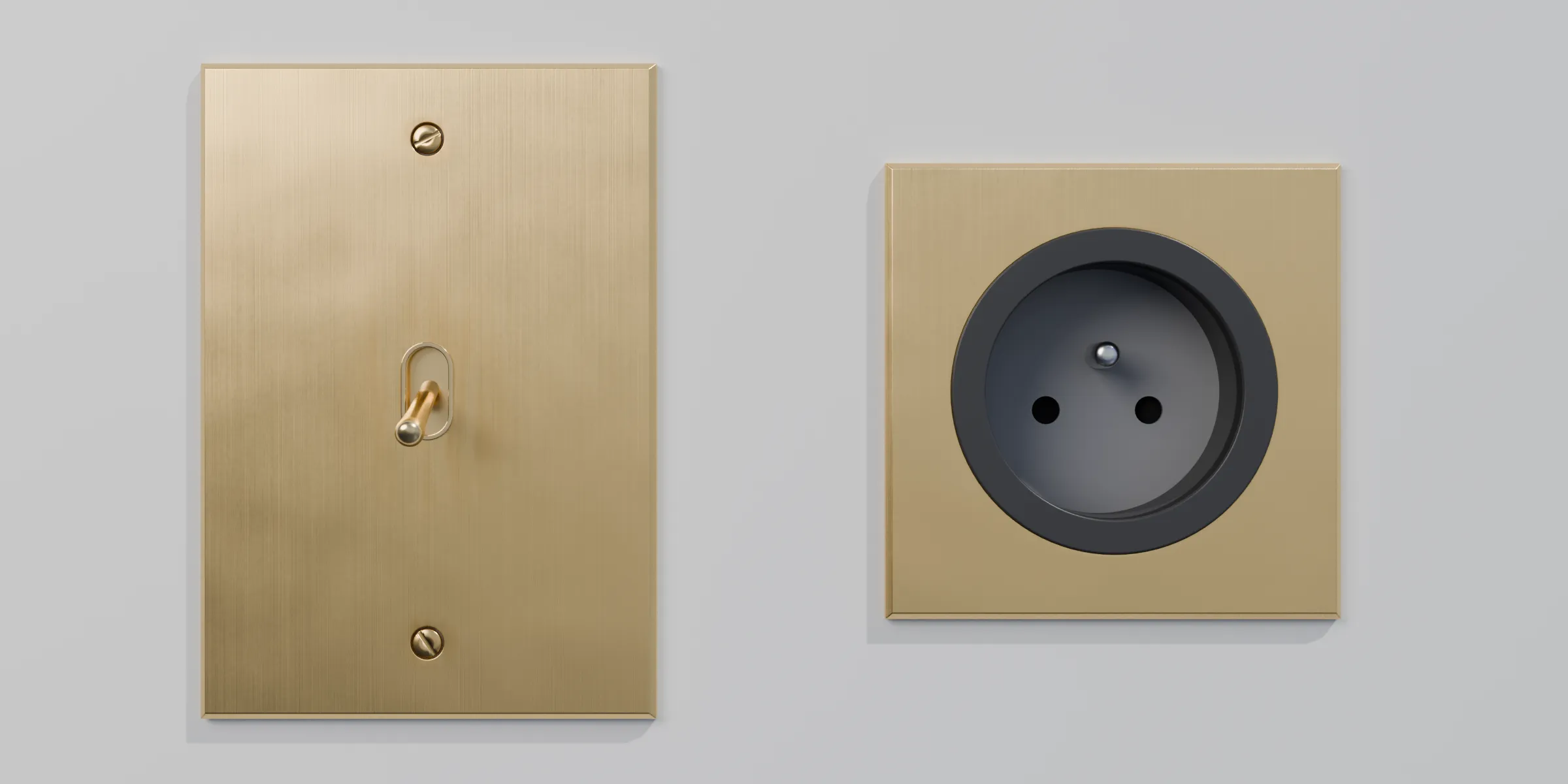
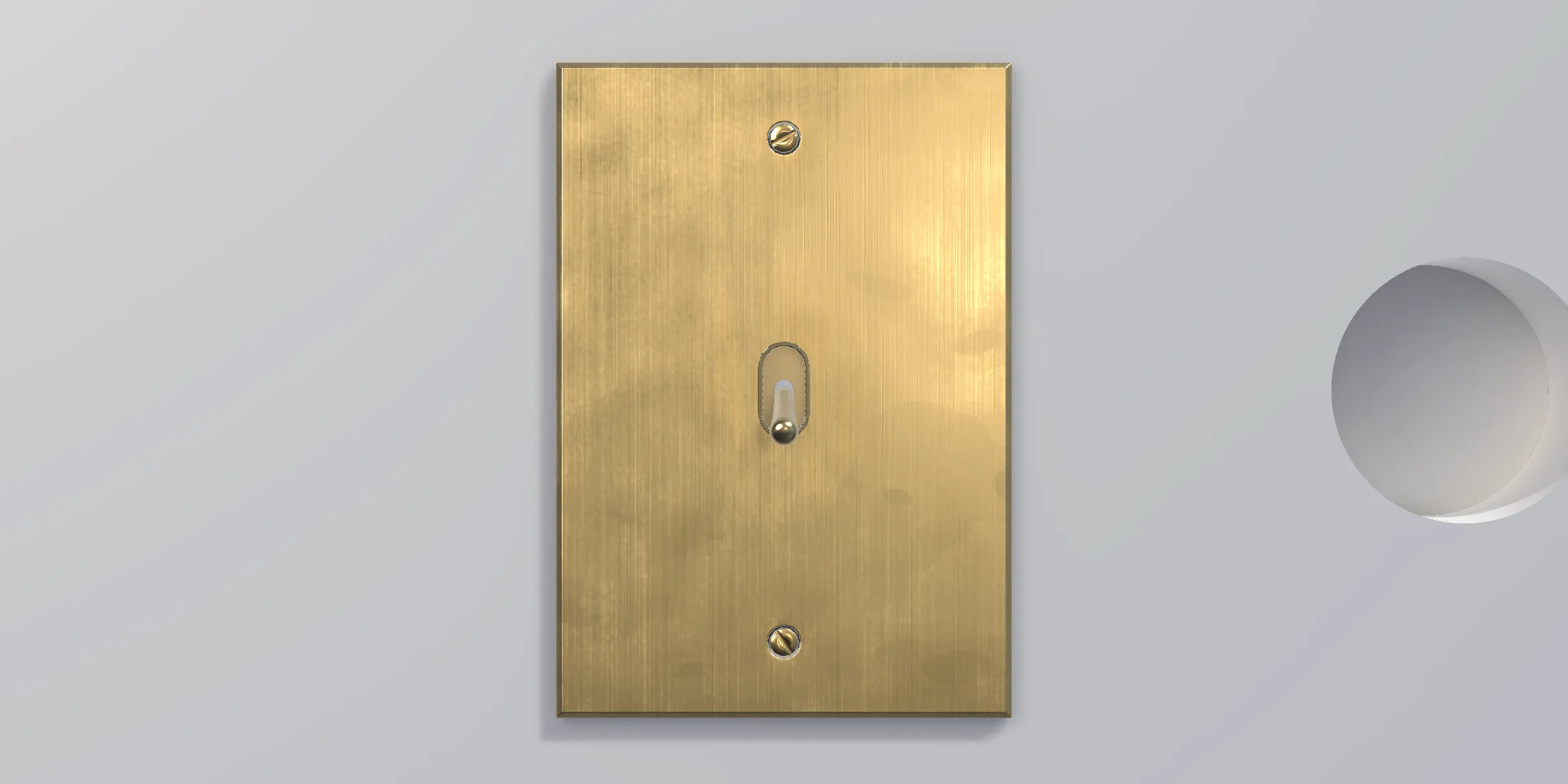
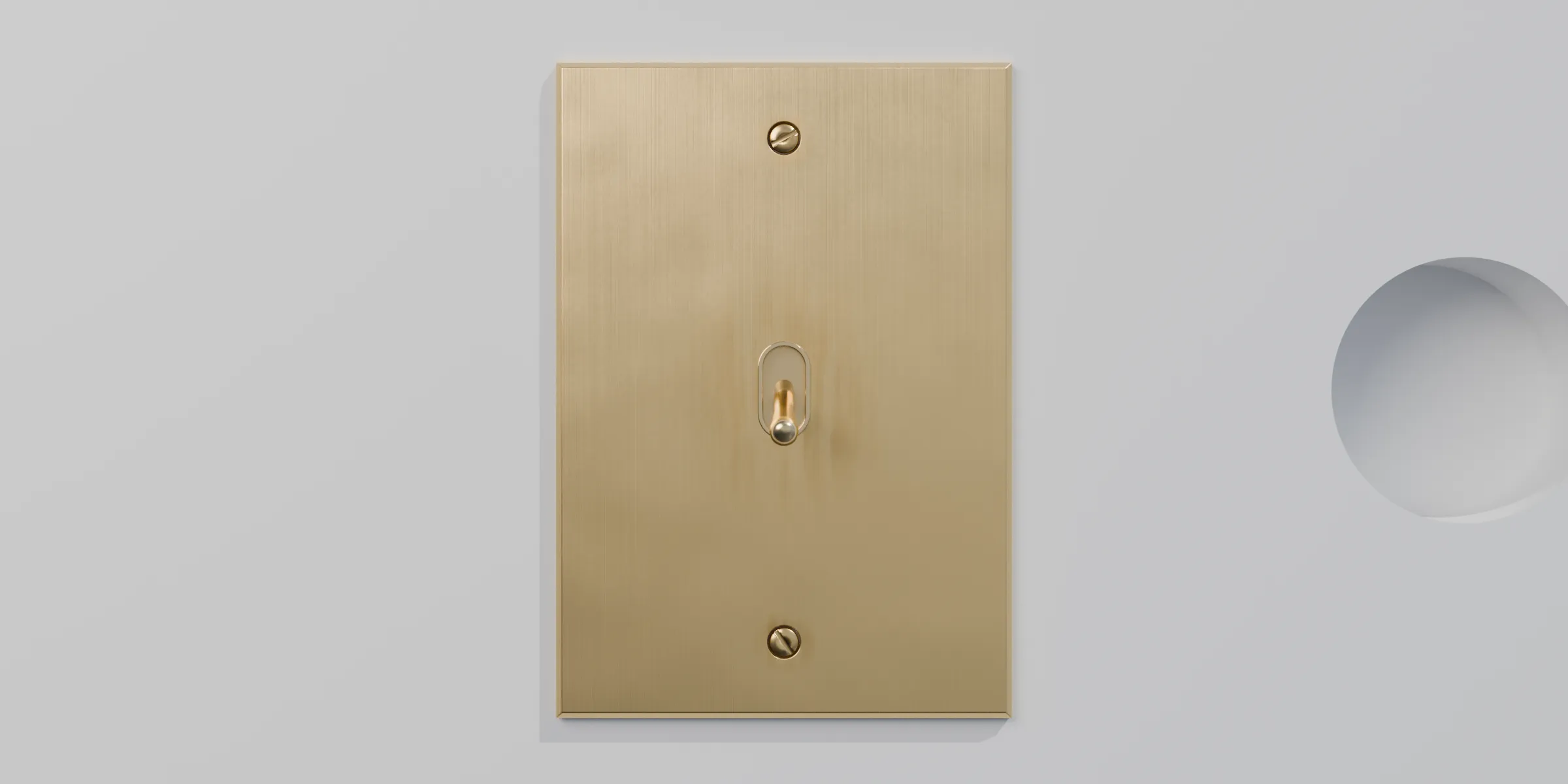
The brass switch and socket, seen from the front on a beige wall (Unity)The brass switch and socket, seen from the front on a beige wall (Rendered in Blender)
Both parts from the front, at the same scale.
The socket and the switch seen at an angle, you can see how thick the plates are (Unity)The socket and the switch seen at an angle, you can see how thick the plates are (Rendered in Blender)
Both parts at an angle.
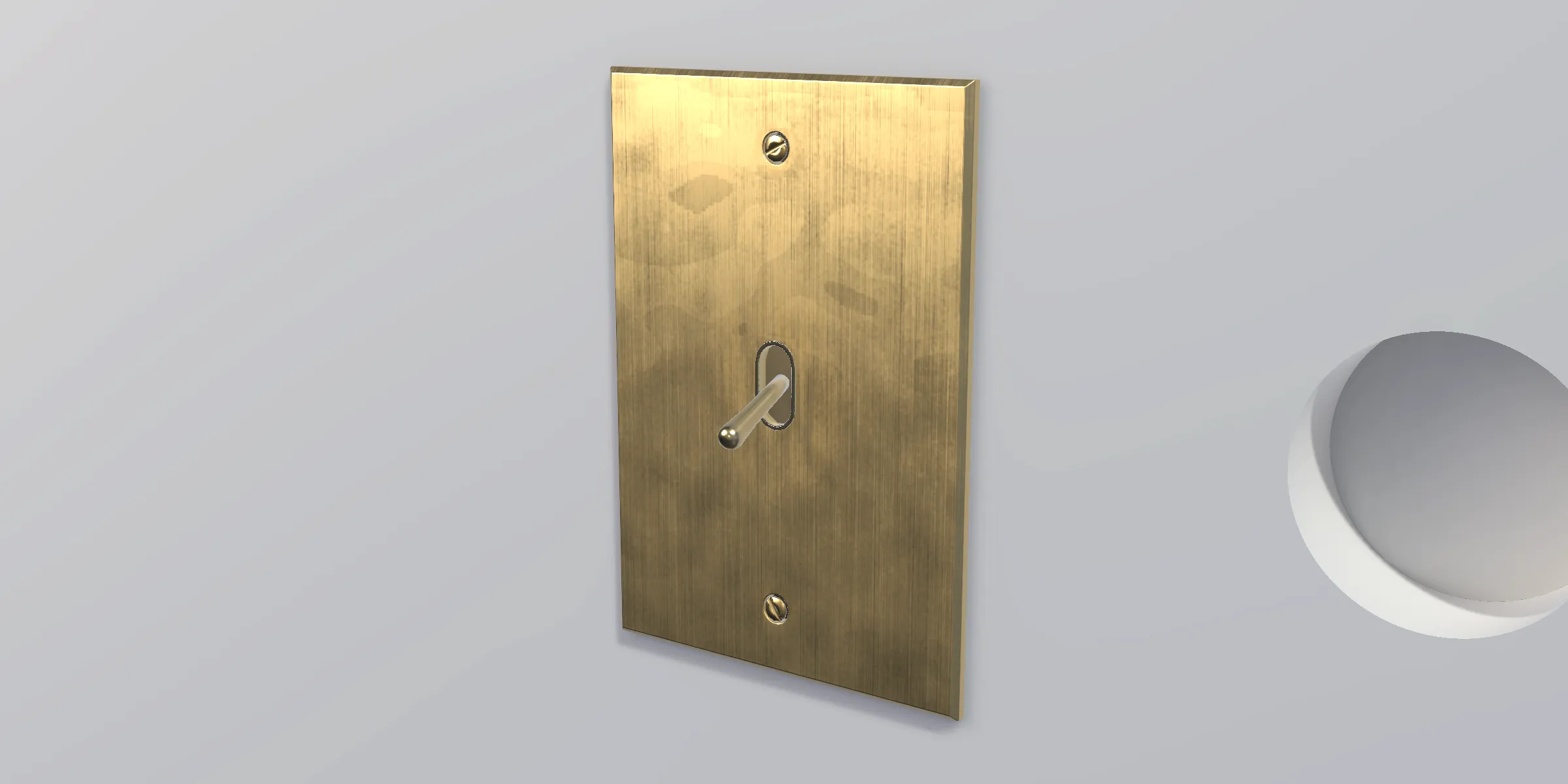
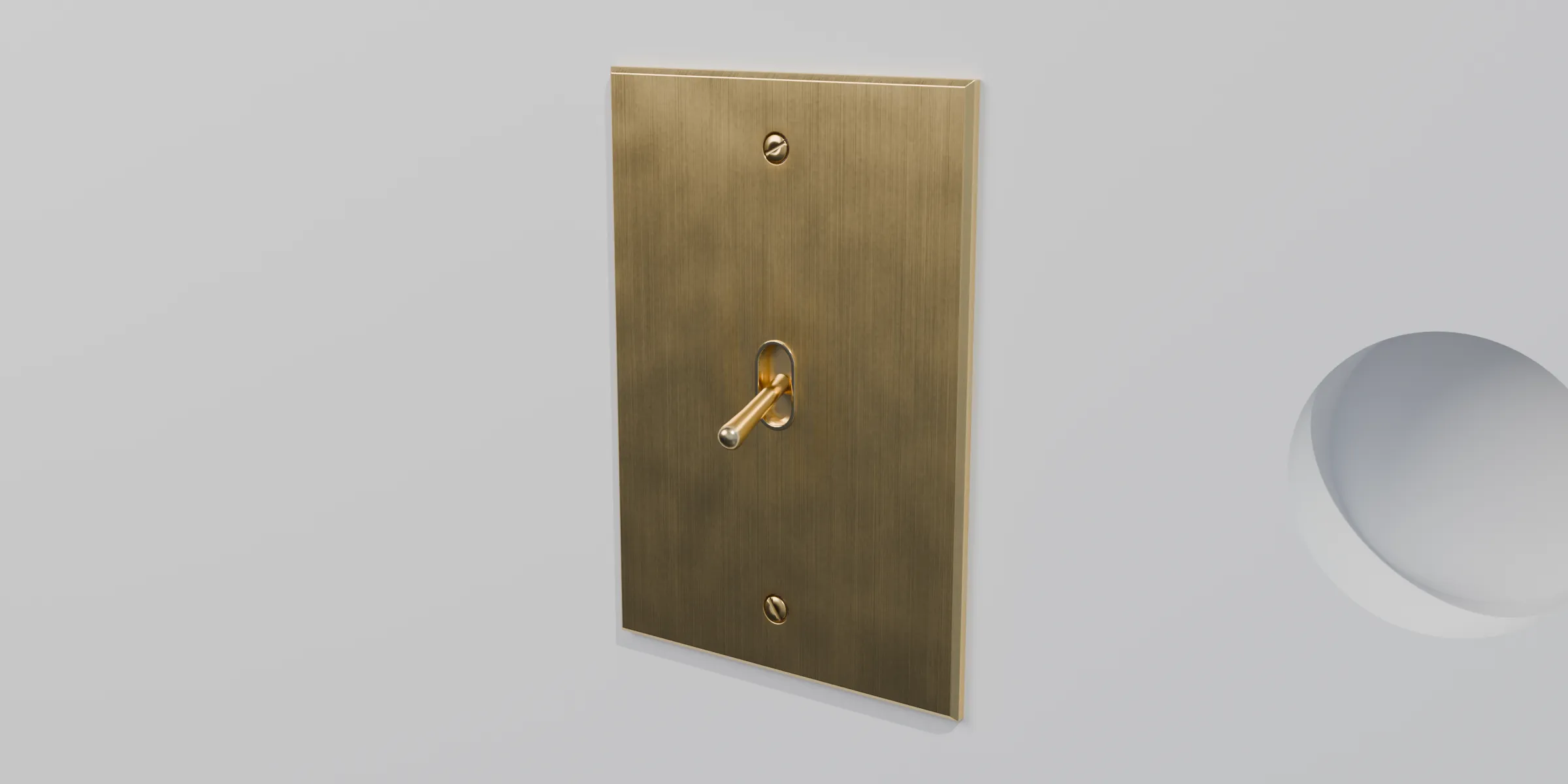
The toggle switch from the front, with its two screws (Unity)The toggle switch from the front, with its two screws (Rendered in Blender)
The switch from the front.
The switch seen at an angle, the lever sticks out of the plate (Unity)The switch seen at an angle, the lever sticks out of the plate (Rendered in Blender)
The switch at an angle.
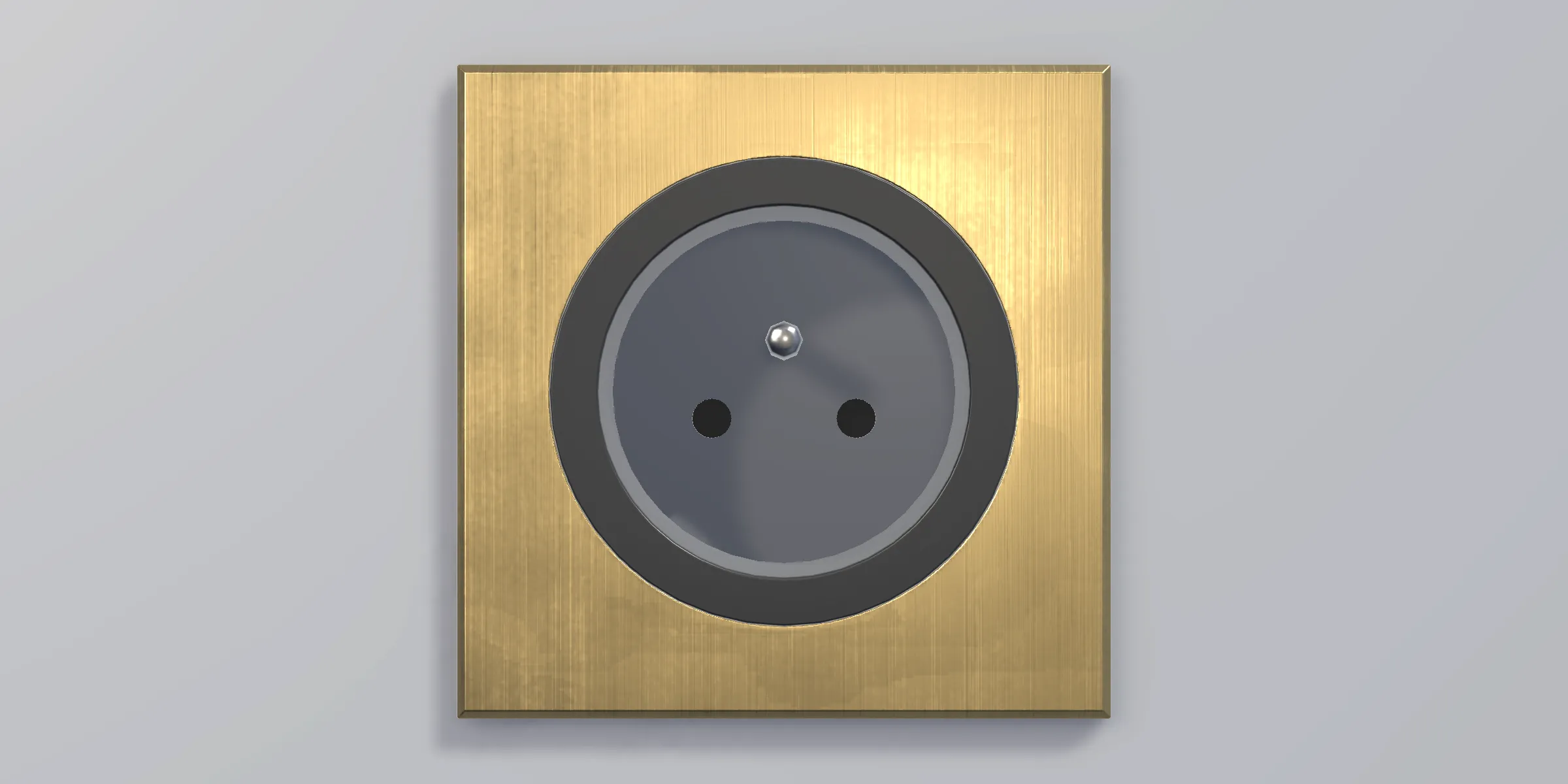
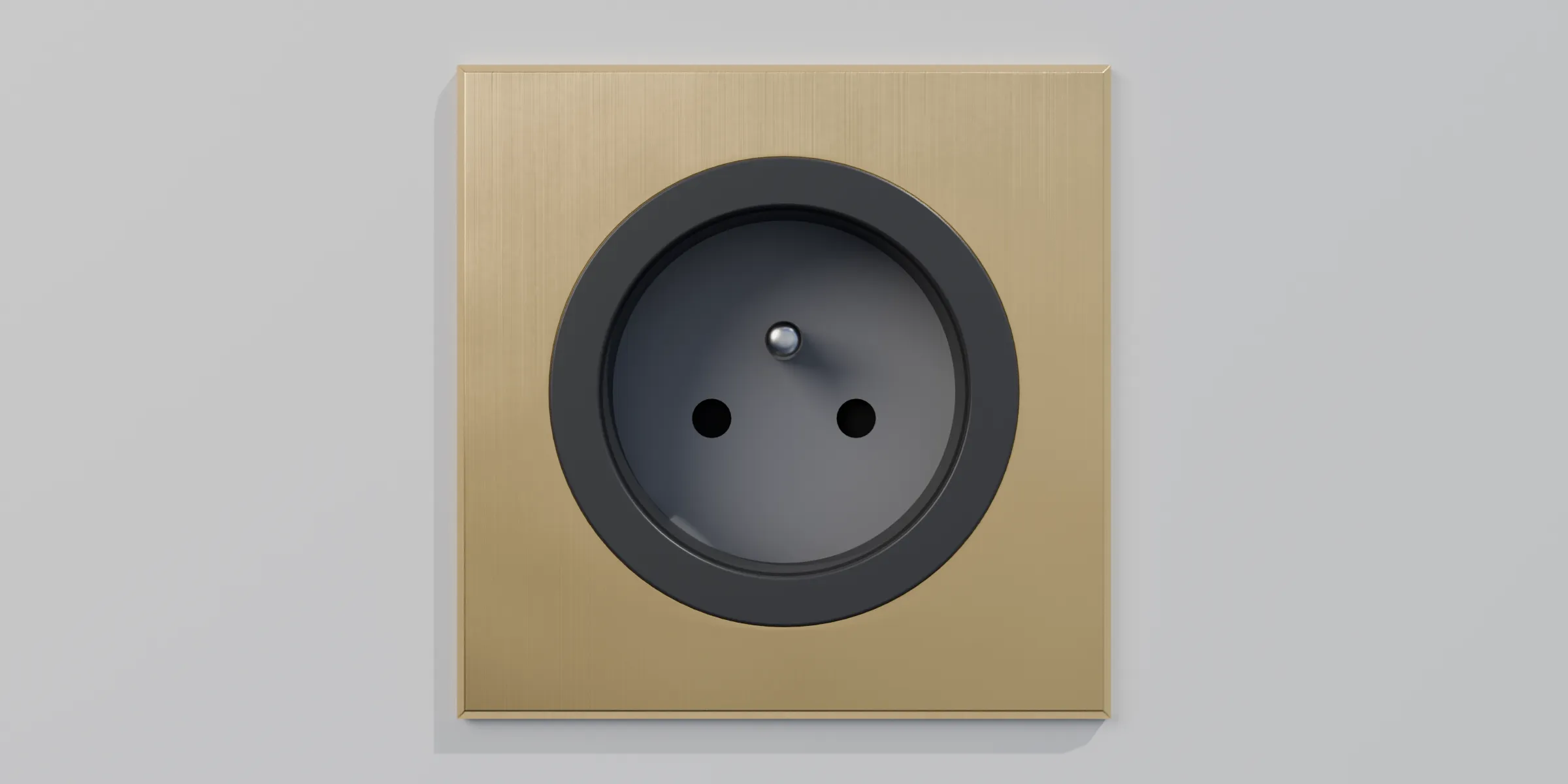
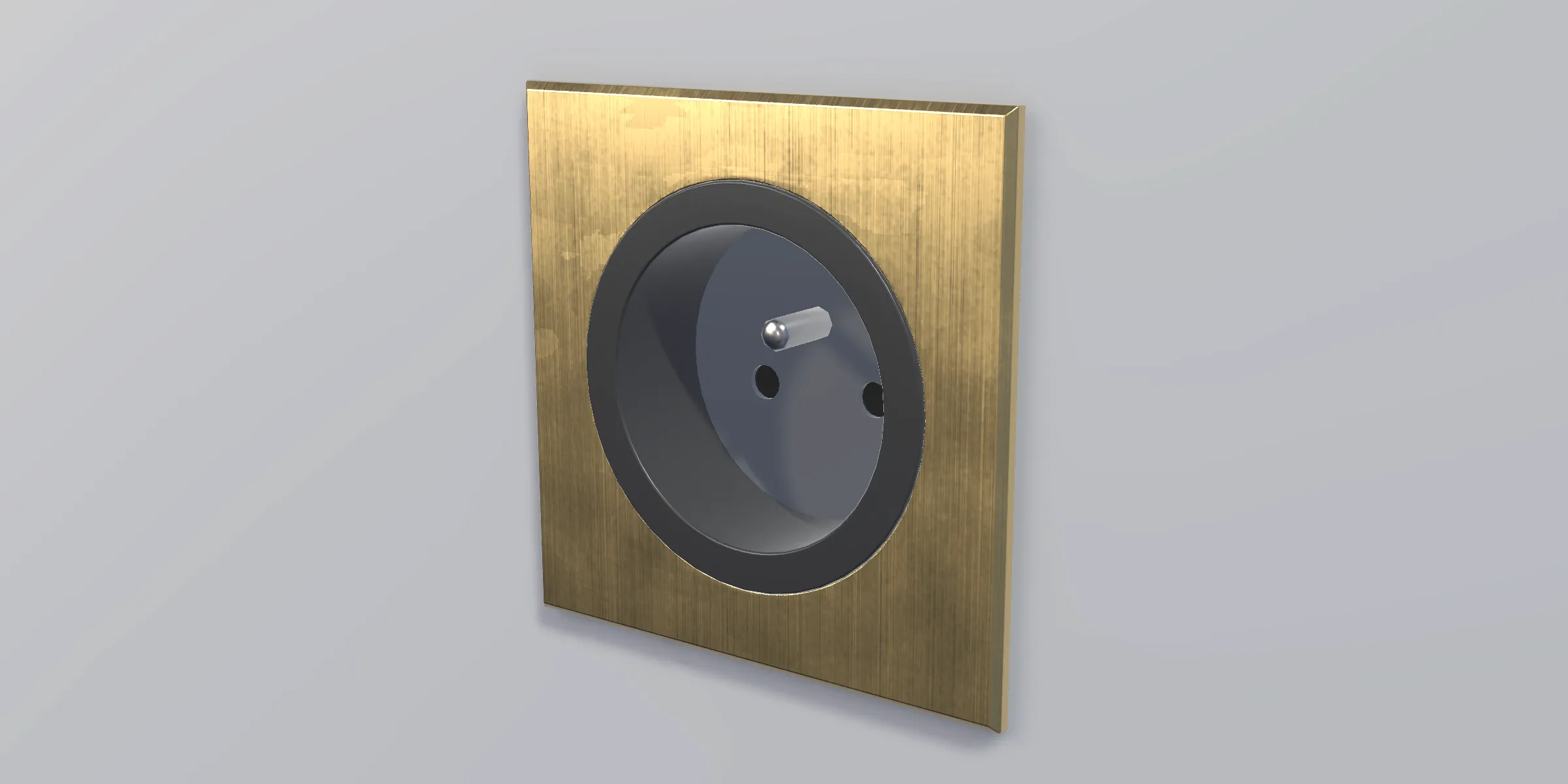
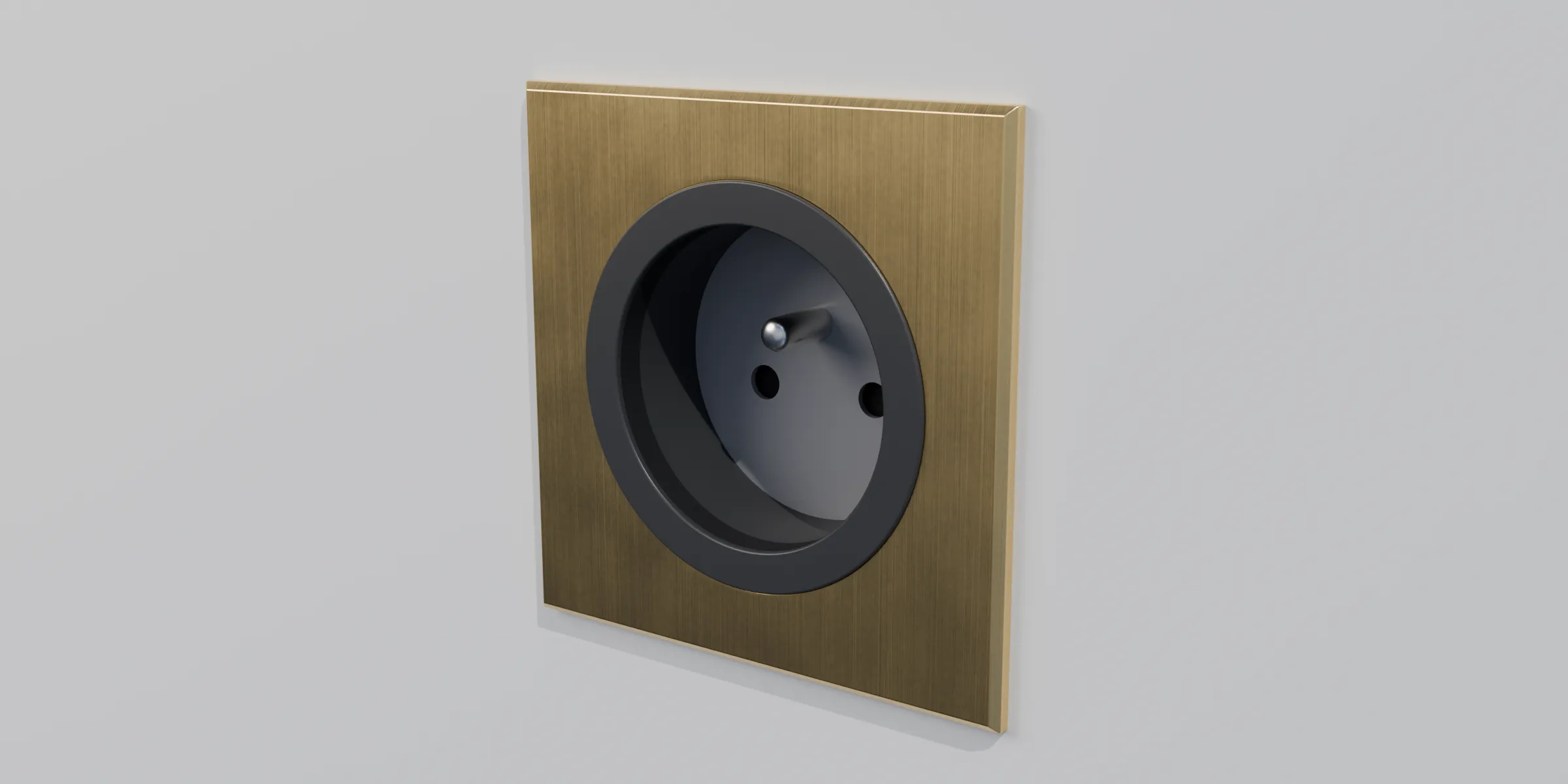
The brass socket from the front, with its earth pin (Unity)The brass socket from the front, with its earth pin (Rendered in Blender)
The socket from the front.
The socket seen at an angle (Unity)The socket seen at an angle (Rendered in Blender)
The socket at an angle.
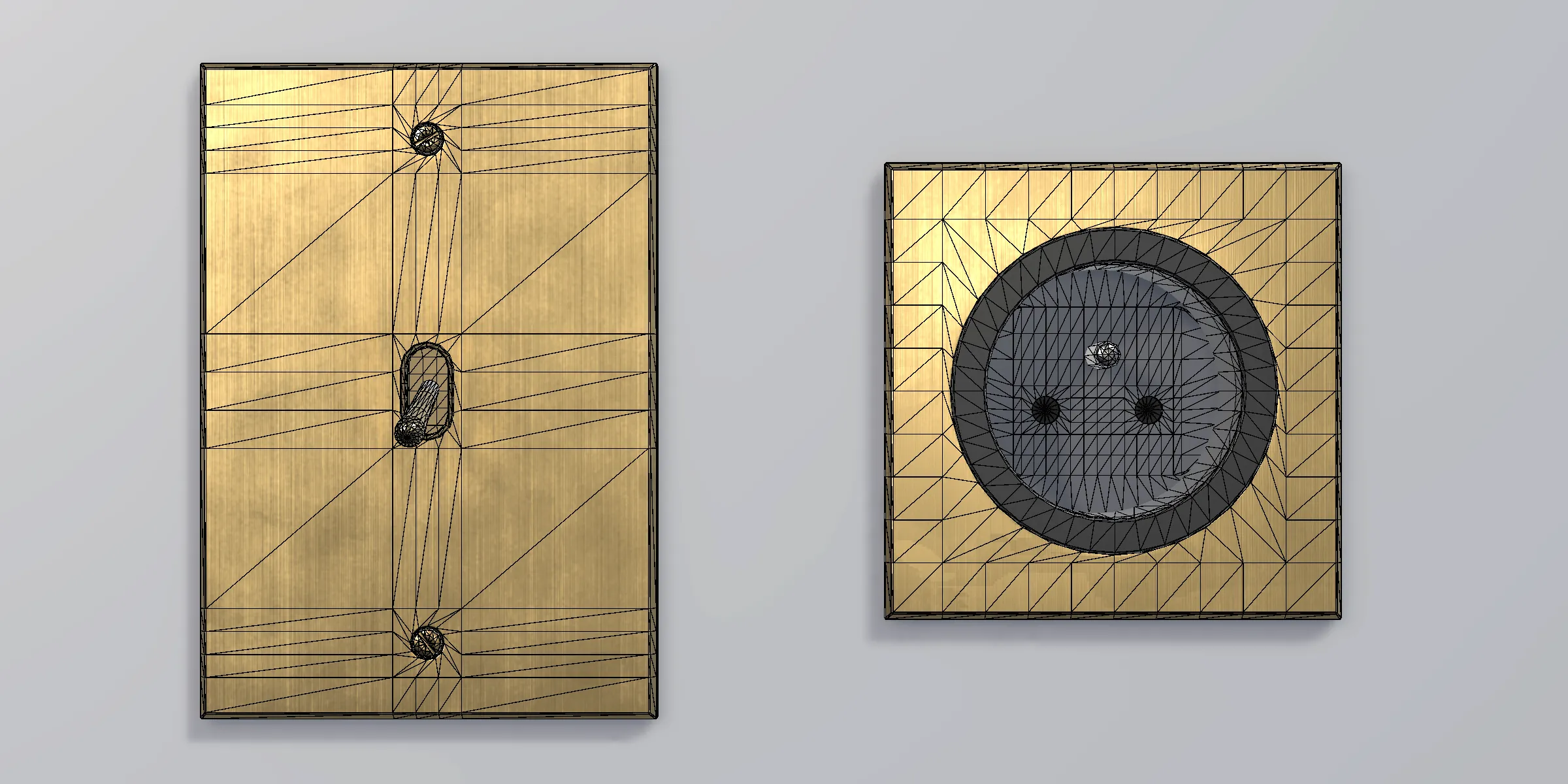
Both parts from the front, textured then in wireframe (Unity, textured)Both parts from the front, textured then in wireframe (Unity, wireframe)
The mesh under the texture, in Unity.
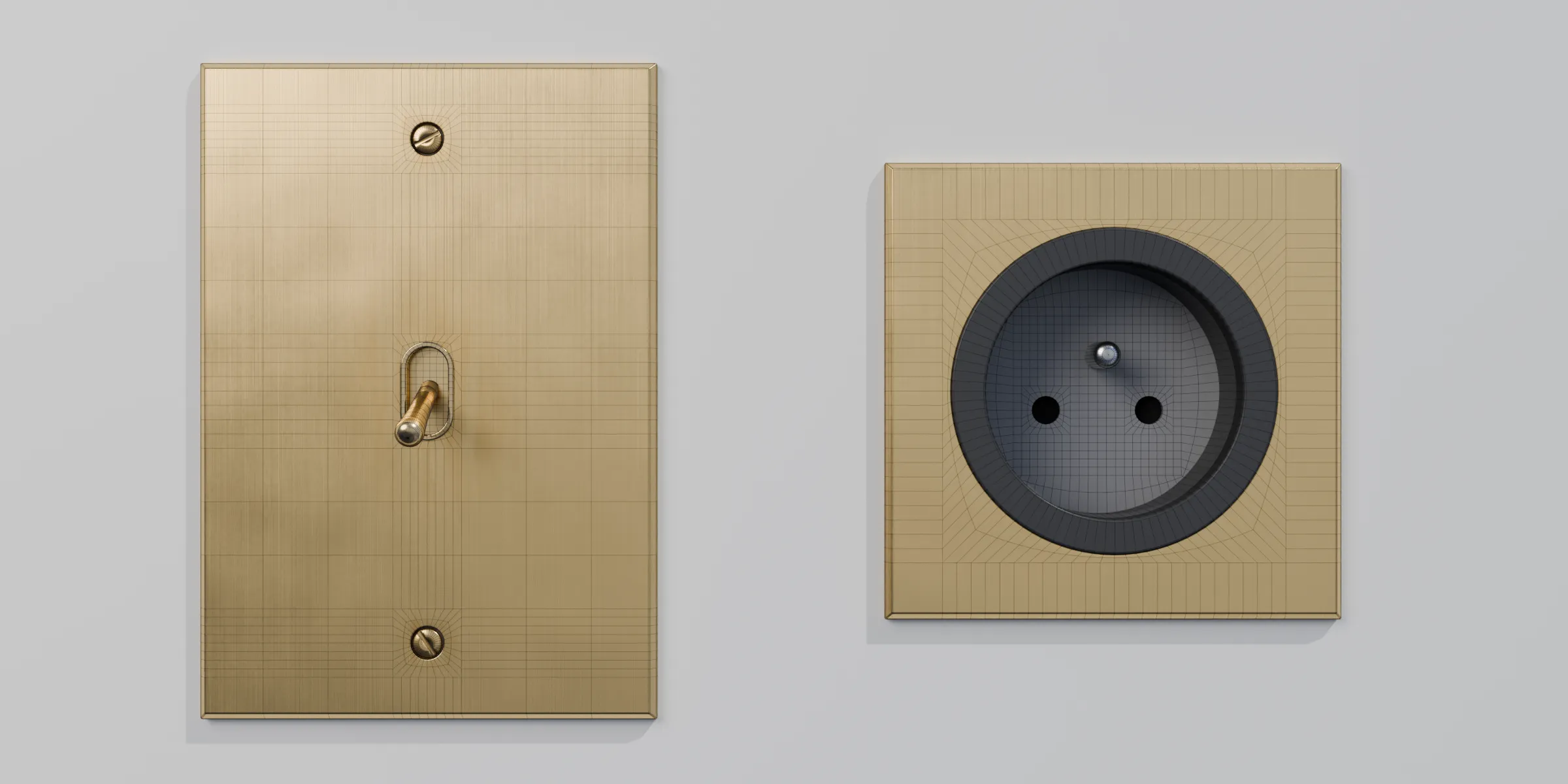
Both parts from the front, rendered then in wireframe (Rendered in Blender)Both parts from the front, rendered then in wireframe (Blender, wireframe)
In Blender the model is in quads, denser than in Unity.
The wireframe of both parts, from the front (Unity, wireframe)The wireframe of both parts, from the front (Blender, wireframe)
The wireframe in Unity and in Blender, from the same camera.

Unity package

What you get

Prefabs2, each with a LOD Group and a Box Collider
LOD2 levels, LOD0 and LOD1
Triangles, switch2,040 at LOD0, 1,326 at LOD1
Triangles, socket3,340 at LOD0, 2,124 at LOD1
Textures6 PNG at 2048 × 2048 px. For each part: color, normal, then metallic and smoothness packed in one PNG
PipelineURP 17.3
Unity6000.3
DimensionsPlates of 80 × 115 mm and 80 × 80 mm
Scale1 unit = 1 m

Limits

  • The brushed look is in the normal map: in URP you won't get the stretched highlight of a Blender render
  • The socket housing goes 17 mm into the wall, so plan for a wall at least that thick
  • It works in URP, not in Built-in or HDRP

Blender version

What you get

FileA ZIP: the packed .blend with its render scene (wall, lights, cameras, CC0 HDRI sky)
DocumentationReadMe and Third-Party Notices
Blender5.2 minimum
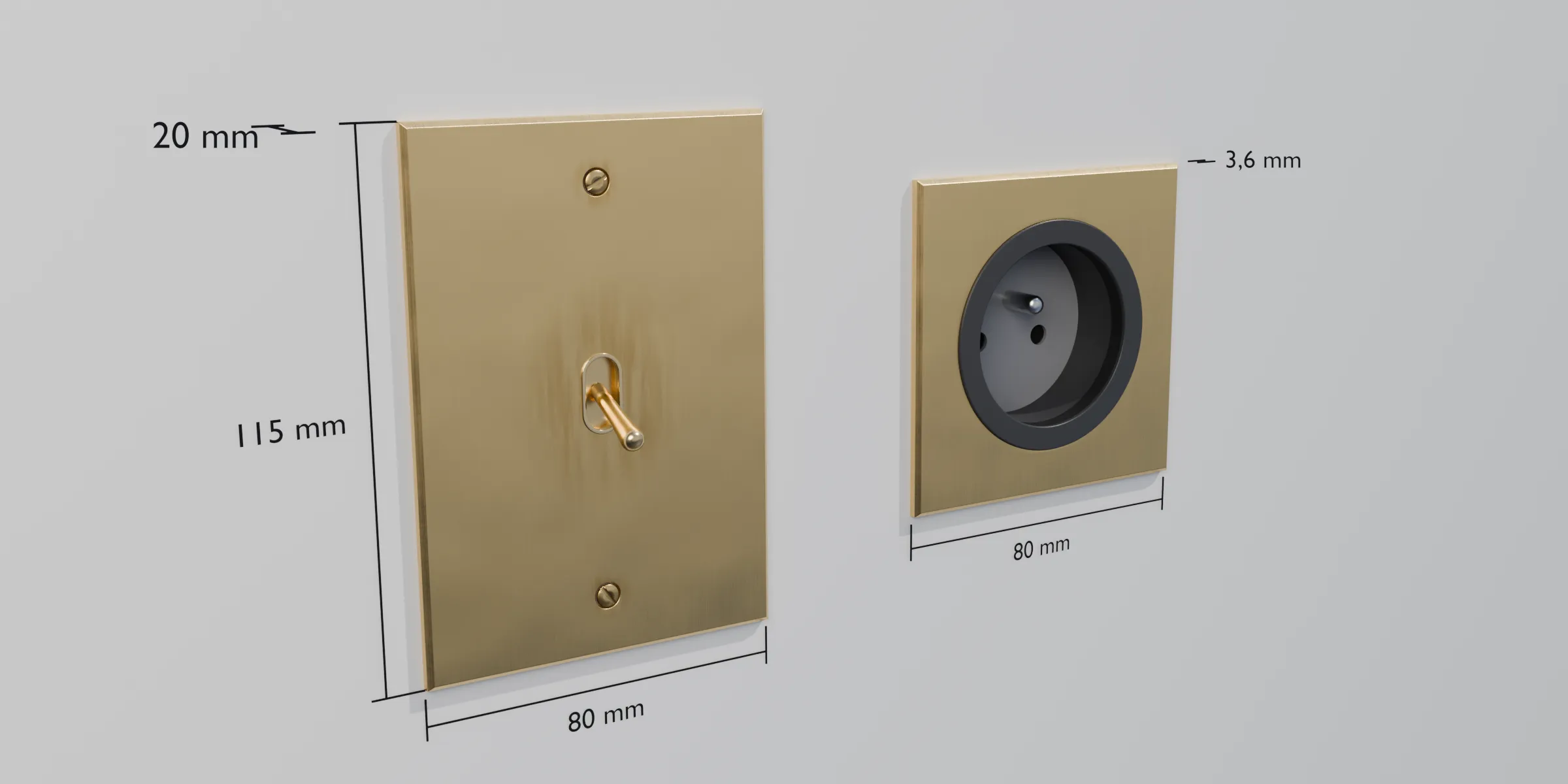
Both parts at an angle with their dimensions: the switch is 80 × 115 mm and 20 mm deep, the socket is 80 mm wide and sticks out 3.6 mm
The dimensions in millimeters, measured on the model.

Where to find it

  • Unity Asset Store · Unity package
  • Fab · Unity package + Blender version
  • Superhive · Unity package + Blender version

Links to come.

License

The one from the store you get it from: the Asset Store and Fab don't use the same one.